
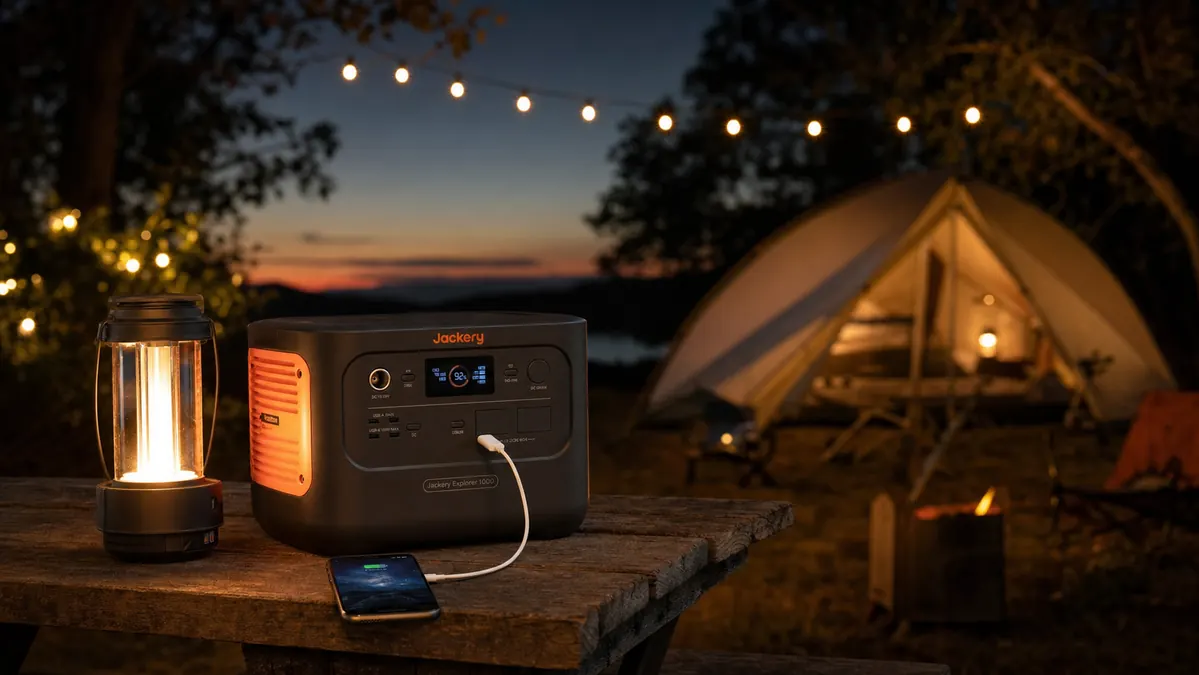
Every car camping trip I've taken since 2019 has had one non negotiable job: keep our phones, headlamps, and camp lantern charged for three or four nights away from any wall outlet. I used to handle it with a fistful of AA batteries and a lot of hoping. These days one power station sitting in the cooler tote does the job, and that single change did more to keep our devices charged at camp than any other gadget I've bought in the last decade.
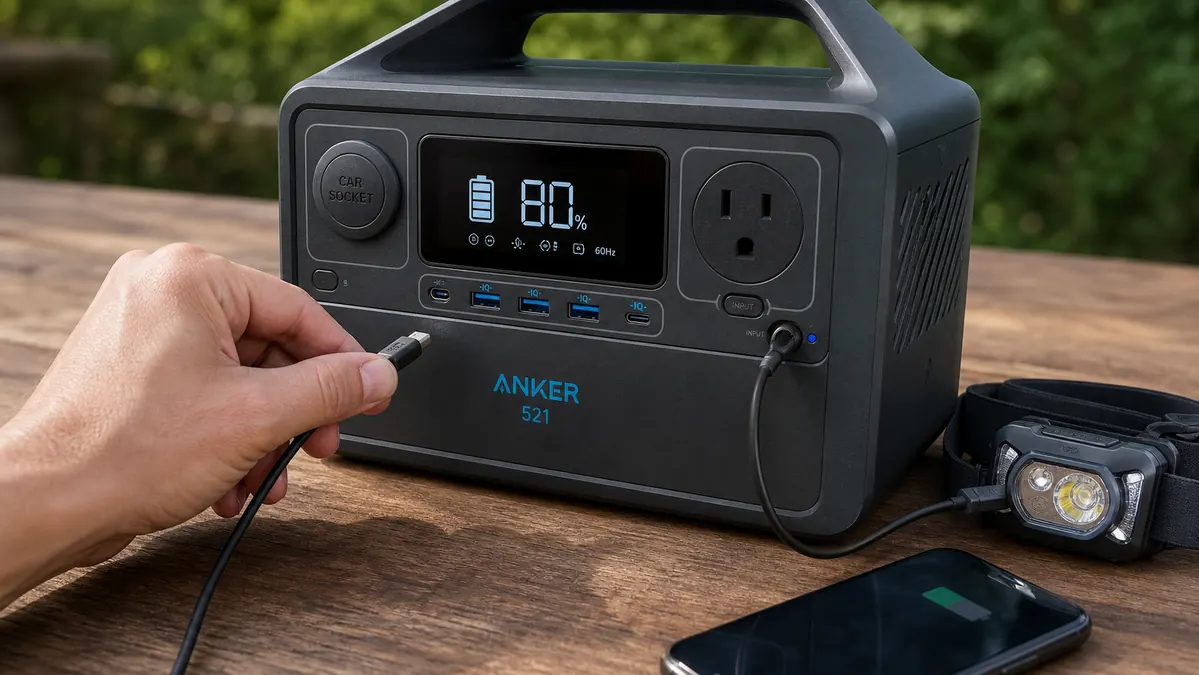
This isn't a theory piece. It's the routine I actually run, trip after trip, with real numbers attached so you can plan your own charging schedule instead of guessing and running dry on night two. The unit I've carried through two full camping seasons is the Anker 521 Portable Power Station, a 256 watt-hour LiFePO4 pack rated 4.4 stars across more than 3,100 reviews. I'm not on Anker's payroll. I replaced a heavier lead-acid jump box with it in 2024 and never went back to hauling loose batteries.
Stop rationing your phone battery at camp
The Anker 521 is the unit I reach for on every multi-day trip. 256Wh of LiFePO4 capacity, six ports, and enough charge cycles that it's still holding its rating two seasons in.
Amazon Check Today's Price on Amazon →Step 1: Charge the power station to 100% before you ever leave the driveway
This sounds obvious until you're the person who forgot and finds out at the campsite. I plug the Anker 521 into a wall outlet the night before every trip and let it top off completely, which for this unit runs about 3.5 hours from a fully drained state on AC power. A full 256Wh charge is your entire budget for the trip unless you can recharge it again along the way, so starting at anything less than 100% just shortens every day that follows.
I also check the display for the charge percentage before I load it into the truck, not after. It takes fifteen seconds and it's saved me from a dead unit on at least one trip where I assumed it was topped off from the last outing and it wasn't.
I also do a two-minute cable check before every trip: the USB-C cable that came in the box, plus one spare, coiled and stashed in the same pouch as the power station itself. A frayed cable or a cheap dollar-store cord is one of the most common reasons a plugged-in phone doesn't actually charge overnight, and it's an easy thing to miss when you're packing in a hurry the night before you leave.
Every spring I also run one full test cycle at home before the first trip of the season: fully charge the unit, then drain it overnight running a lantern and charging two phones, just to confirm it still holds close to its rated 256Wh. A power station that's a year or two old and has been through fifty or sixty charge cycles will hold slightly less than day one, and it's better to find that out in your garage than three nights into a trip with no outlet in sight.
Step 2: Do the math on your device draw before you pack
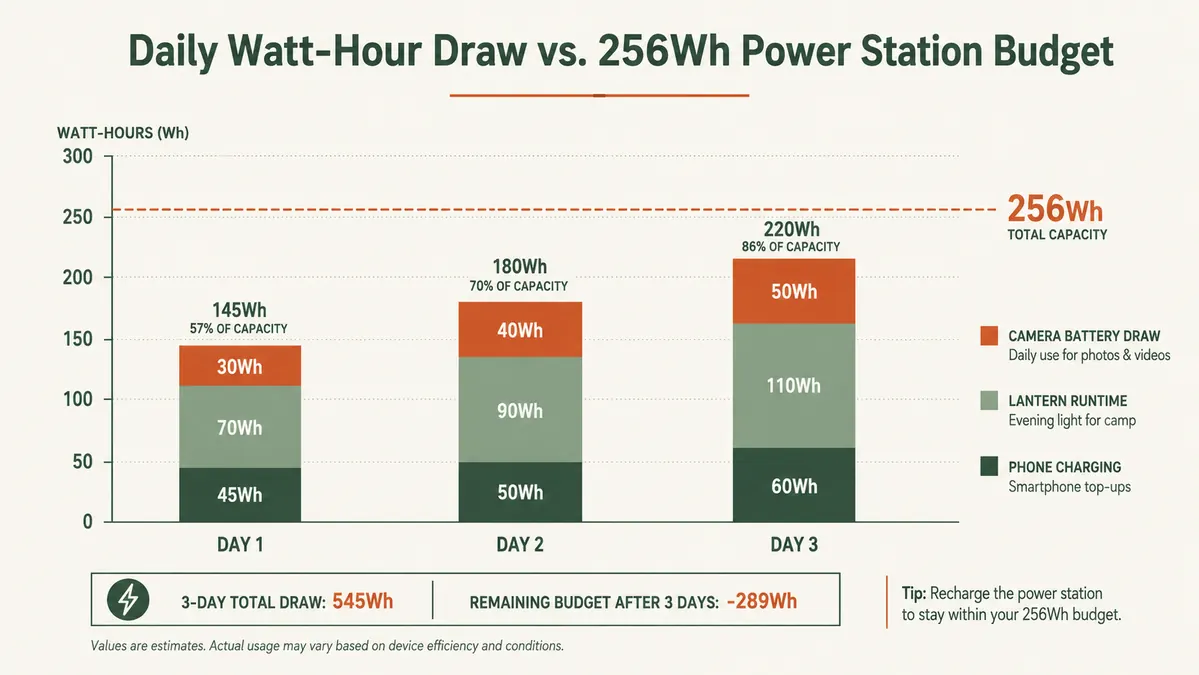
A 256Wh power station sounds like a lot until you add up what a family actually plugs in. My rough per-day budget on a three night trip looks like this: two phones charged nightly from about 40 percent runs roughly 30Wh combined, a battery lantern run for three or four hours in the evening pulls another 30 to 40Wh, and a camera battery or two adds maybe 10Wh. That's around 70 to 80Wh a day, which means a full 256Wh charge realistically covers three days of normal use before you need to top it back up.
Run this math for your own group before you go. If you're charging a laptop or running a CPAP machine overnight, your daily draw jumps a lot higher and you'll want to plan a recharge stop, not stretch one charge across a whole week.
Cold weather changes this math too. LiFePO4 cells hold up better in the cold than the lithium-ion packs I used to run, but I still plan for roughly 10 to 15 percent less usable capacity on nights that drop into the 30s. On a January trip to a state forest a couple winters back, I budgeted for around 220Wh of usable capacity instead of the full 256Wh, and that adjustment kept us from coming up short on the last night.
This math also scales differently for a bigger group. Camping with two families and four phones instead of two roughly doubles your nightly phone draw, which pushes a 256Wh unit from a three-day cushion down closer to two. If you're regularly camping with a crowd, it's worth sizing up to a larger power station or simply planning on a mid-trip recharge instead of assuming one unit will cover everyone.
Step 3: Charge devices in order of priority each night, not all at once
I don't plug in every device the second we sit down at the picnic table. Phones and the headlamp go first, since those matter for safety if someone needs to walk to the bathroom at 2am. The camp lantern and any speaker go on later once the priority devices are topped up. This isn't about the power station running out of ports, the Anker 521 has six, it's about making sure the things you'd actually miss get charged before the things that are just nice to have.
On a three-night trip I usually charge phones every night and only charge secondary devices like a camera or a speaker every other night. That alone stretches a single charge from covering two nights to covering three.
I also keep a small mesh pouch just for charging gear, one dedicated cable per device, marked with a strip of tape if two cables look alike. It sounds fussy, but hunting through a tangle of cords by headlamp at 9pm gets old fast, and a missing cable means that device simply doesn't get charged that night no matter how much capacity is left in the power station.
Step 4: Use USB-C PD ports for anything that supports fast charging
The 521 has both USB-A and USB-C PD output, and the difference in charge time is real. My phone goes from around 20 percent to full in under an hour on the USB-C port versus close to two hours on a standard USB-A port. Faster charging means the phone spends less time pulling power, which matters more than people think when you're trying to stretch 256Wh across four nights. If your headlamp or lantern charges over USB, check whether it accepts PD input before you assume the fast port is only for phones.
Worth knowing: running multiple devices on the power station at once does slow each one down slightly, since total output is shared across all six ports. If I need my phone charged fast because we're heading out for a sunset hike in twenty minutes, I'll unplug the lantern and camera battery first and let the phone have the USB-C port to itself.
Temperature affects charging speed too, not just how long the lantern runs. Charging the power station itself in near-freezing air takes noticeably longer than charging it at room temperature, since the battery management system throttles the rate to protect the cells. If overnight lows are dropping into the 20s, I try to get any recharging done during the warmer part of the afternoon instead of leaving the unit plugged in overnight in the cold.
Step 5: Top off the power station itself whenever you get the chance
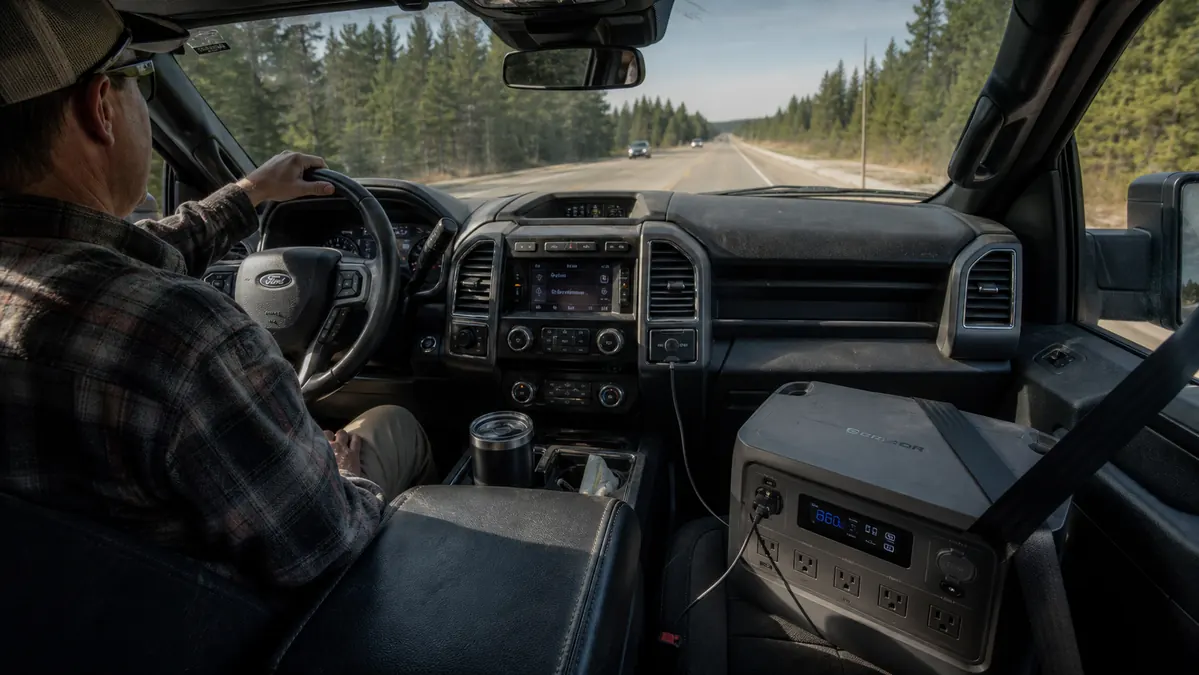
This is the step most people skip, and it's the one that actually prevents you from running dry on the last night. If you're driving between a trailhead and a second campsite, or making a supply run into town, plug the power station into the truck's 12V outlet on the way. A car outlet won't refill it as fast as a wall plug, closer to 6 hours for a full recharge versus 3.5 on AC, but even a 40-minute drive adds back a meaningful chunk of capacity you didn't have that morning. If the campground has a shower house or camp store with an outlet, that's worth 20 minutes of your time too.
A few campers I've talked to add a compatible solar panel through the same USB-C input and top the unit up while it sits on the picnic table during the day. I haven't run one myself, so I won't put a number on how much charge you'd get back from a day of sun, but on a trip with no driving planned between campsites, it's the other realistic way to add capacity without ever finding a wall outlet.
What Else Helps
A power station solves the charging problem, but a few habits stretch it further. I put every phone in airplane mode or low power mode overnight, since a phone hunting for signal in the backcountry burns through battery fast and then demands a bigger charge the next morning. I also swapped our old battery-hungry lantern for one with a lower-draw LED setting, which cut its nightly draw by close to half. And I keep a small backup battery bank, the kind that holds maybe 20Wh, in the glove box for the one time the power station itself is tapped out and someone just needs 15 minutes of phone charge to find the campground map.
I've also started leaving phones in do-not-disturb mode instead of fully silenced, so notifications stop lighting the screen up every few minutes. It's a small drain most people never notice until they compare a phone left in a bag all day against one sitting face-up on a picnic table getting pinged every ten minutes by a text that could have waited.
I keep a printed cheat sheet, really just an index card, taped inside the accessory pouch listing our device draws and the order I charge them in. It sounds like overkill for a camping trip, but after doing this math once, I'd rather glance at a card than redo the arithmetic tired at a picnic table by headlamp on night one.
If you're trying to decide whether a power station is worth carrying over a stack of disposable batteries and a car charger, I laid out the actual case for it, including run costs and how it compares to a small gas generator, in 10 Reasons Portable Power Stations Beat Generators. And if you want the longer take on how the Anker 521 specifically has held up for me trip after trip, including the one thing about it I'd change, that's in my honest review of the Anker 521.
The trip where I stopped worrying about dead phones wasn't the trip I bought a bigger lantern. It was the trip I stopped treating charging as an afterthought and gave it an actual plan.
Build your charging plan around one unit, not a pile of batteries
If you're heading out for three nights or more, a 256Wh power station like the Anker 521 covers phones, lights, and small gadgets without a single trip to find an outlet.
Amazon Check Today's Price on Amazon →